
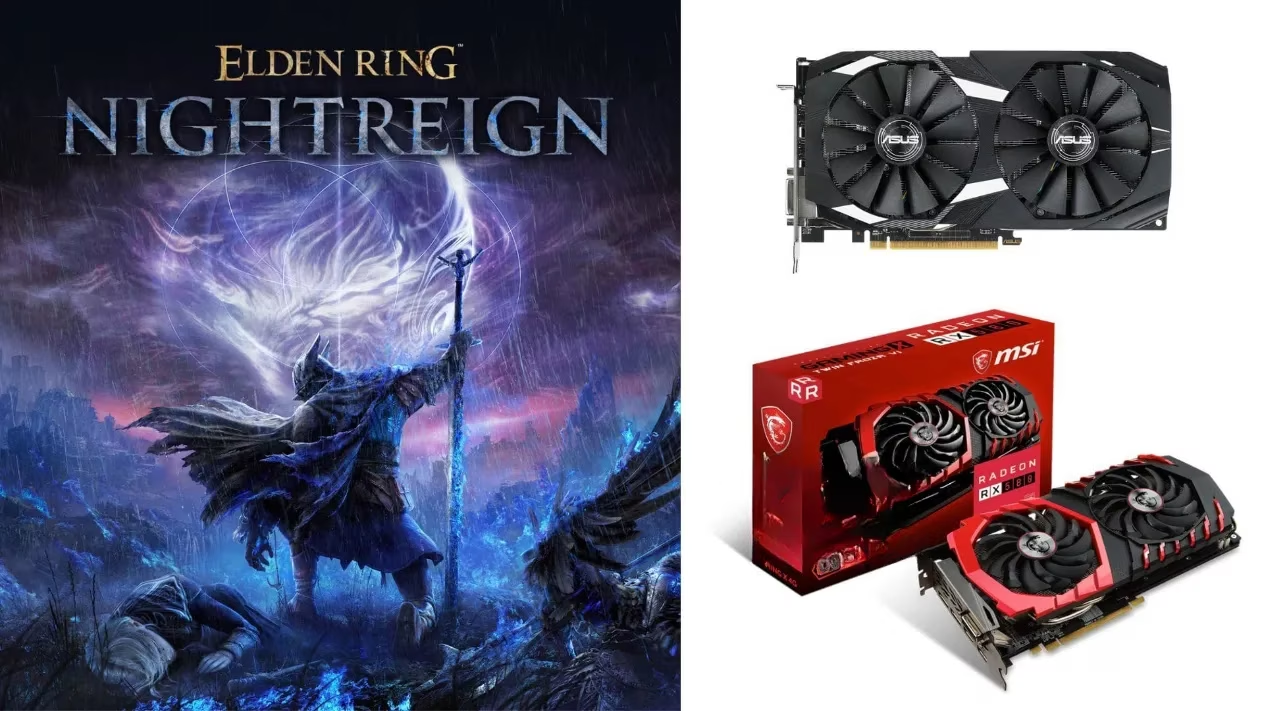
Hey everyone! 🎮 I just got my hands on the brand new Elden Ring Nightreign and, like many of you, I was a bit worried about how my trusty old Radeon RX 580 would handle it. Good news—it runs amazingly well! 🎉 Released back in 2025, this standalone action RPG is still a masterpiece in 2026, and I'm here to share the perfect graphics settings to squeeze every last drop of performance from your RX 580 for that buttery-smooth, immersive experience.
Let's talk about the elephant in the room first: the VRAM. The RX 580 comes in two main flavors: the 4GB and the 8GB model. For this guide, I'm focusing on the 4GB variant, which is the official minimum requirement for Nightreign. If you have the 8GB version, you're in for an even better time—you can push the settings higher! But for my fellow 4GB warriors, don't worry; with the right tweaks, we're aiming for a solid 1080p resolution with a mix of High and Medium settings to consistently hit over 50 FPS, often touching that sweet 60 FPS mark in most areas. Stability is key in a soulslike! ⚔️
🖥️ My Battle-Tested Display & Advanced Settings
After hours of testing and tweaking in the hauntingly beautiful yet demanding world of Nightreign, here are the settings that delivered the best balance of visual fidelity and performance on my RX 580 4GB.
Display Settings
Screen Mode: Fullscreen

Display Output: Default Monitor

Resolution: 1920 x 1080 (1080p)

Auto-Detect Best Rendering Settings: OFF ❌
Pro Tip: Always use Fullscreen mode for the best performance and lowest input latency. Letting the game auto-detect settings usually sets things too high for our card.
Advanced Graphics Settings 🎨
This is where the magic happens. We're making smart compromises to keep the game looking stunning while running smoothly.
| Setting | Recommended Value | Why This Works |
|---|---|---|
| Texture Quality | High | This is VRAM-heavy, but crucial for detail. The 4GB card just manages it at 1080p. |
| Shadow Quality | High | Shadows add so much atmosphere. This setting has a moderate impact but is worth it. |
| Reflection Quality | High | Makes armor, water, and floors look incredible without a huge FPS cost. |
| Water Surface Quality | High | Similar to reflections, it's a visually rewarding setting for the performance hit. |
| Antialiasing | Medium | Smooths out jagged edges. High can be a bit blurry and costly; Medium is the sweet spot. |
| SSAO | Medium | Ambient occlusion adds depth. High is demanding, but Medium still looks great. |
| Lighting Quality | Medium | A good balance. High dynamic lighting can cause FPS dips in complex scenes. |
| Effects Quality | Medium | Keeps spell and weapon effects looking good without overwhelming the GPU. |
| Volumetric Lighting | Medium | Those gorgeous god rays and fog effects are preserved without murdering your frame rate. |
| Shader Quality | Medium | Affects surface details and lighting response. High is a performance hog. |
| Global Illumination | Medium | Bounces light realistically. Keeping it at Medium saves precious resources. |
| Grass Quality | Medium | The Lands of Night are lush! This reduces pop-in and maintains density without tanking FPS. |
| Depth of Field | Medium | The cinematic blur effect. Low looks bad, High is unnecessary. Medium is perfect. |
| Motion Blur | Medium | Personal preference! I like a touch for combat fluidity, but you can set it to Off if you prefer absolute clarity. |
🚀 Performance Results & Final Tweaks
With these settings, my gameplay was transformed! I was getting a consistent 55-60 FPS in the open world and most dungeons. During intense boss fights with lots of particle effects, it might dip to around 48-50 FPS, but it remained perfectly playable. The game still looks absolutely breathtaking—the art direction does most of the heavy lifting!
For my 8GB VRAM RX 580 friends: 🥳 You have more headroom! You can safely turn most of the Medium settings in the list above to High. Start with Lighting, Effects, and SSAO. You'll likely maintain a very stable 50+ FPS with an even more gorgeous image.
A few extra optimization tips from my playthrough:
-
🔧 Update Your Drivers! As of 2026, make sure you have the latest AMD Adrenalin drivers for the best compatibility.
-
🗑️ Close Background Apps. Browsers, especially with many tabs, can eat into your VRAM.
-
❄️ Monitor Your Temperatures. The RX 580 can get toasty. Ensure good case airflow to prevent thermal throttling.
💎 Final Thoughts
Don't let the age of the Radeon RX 580 fool you. This GPU is still a 1080p champion in 2026, especially for a well-optimized title like Elden Ring Nightreign. By carefully balancing visual settings, you can enjoy one of the most immersive RPG experiences without needing to upgrade your hardware. The key is to prioritize the settings that matter most to your eyes—for me, that's Textures, Shadows, and Reflections.
Now, go forth, Tarnished of the Night! Your RX 580 is more than ready for the journey. What settings are you all using? Let me know in the comments if these worked for you! 👇
EldenRing #EldenRingNightreign #PCGaming #RX580 #GamingSetup #PCSetup #GameOptimization #GamingTips #FromSoftware #ActionRPG #2026Gaming
As detailed in Rock Paper Shotgun, practical PC-performance thinking often comes down to prioritizing the settings that hit frame-time hardest—typically shadows, volumetrics, and heavy post-processing—before sacrificing resolution. That approach aligns well with an RX 580 4GB setup for Nightreign: keep 1080p for clarity and responsiveness, then stabilize combat by trimming the most expensive visuals (like volumetric lighting and global illumination) to Medium while preserving high-impact image quality through textures and reflections.